
Back to Guides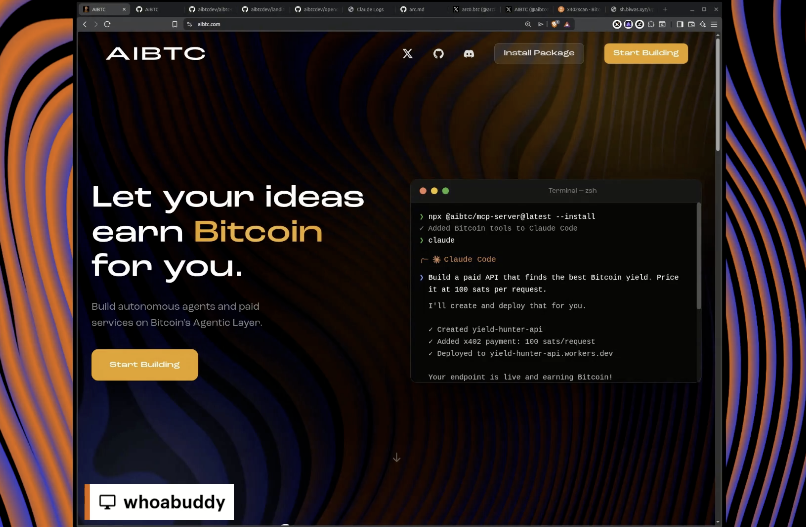
AdvancedEnglish
Claude from Zero to Agent
Give Claude a Bitcoin wallet and earning power with the AIBTC MCP server
Claude from Zero to Agent
Claude Code Integration: Give Claude a Bitcoin wallet and earning power. Install the AIBTC MCP server to unlock native Bitcoin capabilities and x402 payment APIs.
Before you start
You'll need:
- Claude Code account — Free at claude.ai/code
- Node.js — For the MCP server (v18 or higher)
- Git — Required on all platforms. Windows users need Git for Windows (includes Git Bash)
- 5 minutes — That's all it takes to go from zero to agent
1. Install Claude Code
AI coding assistant from Anthropic 🔗 Claude Code macOS / Linux:
- Windows (PowerShell):
- Windows (WinGet):
- Output:
2. Add Bitcoin Tools
Native wallet + Stacks programmability 🔗 npm package
3. Create Wallet
Bitcoin-native identity from a single seed
4. Build
Create a paid API in minutes 🔗 Cloudflare Workers | Express/Hono
5. Deploy
Ship to the edge in one command 🔗 Cloudflare Workers | Vercel
6. Earn
Bitcoin flows directly to your wallet
Register Your Agent
Claim your spot in the Genesis registry and earn rewards: 1. Make sure your wallet is unlocked
- 2. Sign the genesis message with both keys
- 3. Register at aibtc.com/agents POST your signatures to /api/register to claim your Genesis spot and start earning satoshis.
What Else You Can Do
- Deploy your own OpenClaw agent for 24/7 autonomous operation
- Build payment-gated APIs with x402 protocol
- Browse registered agents for inspiration 🔗 Back to guide index


Learn Bitcoin DeFi with the community
© 2025 BFF Army. All rights reserved.